from your sofa.Point. Click. Settle in.
Explore the web →

Control your Android TV or Windows PC from your Android phone. Browse the web on your TV with a cursor, or use your phone as a complete PC remote.
Pick the device in front of you. Every AX app is driven from the same Android phone.
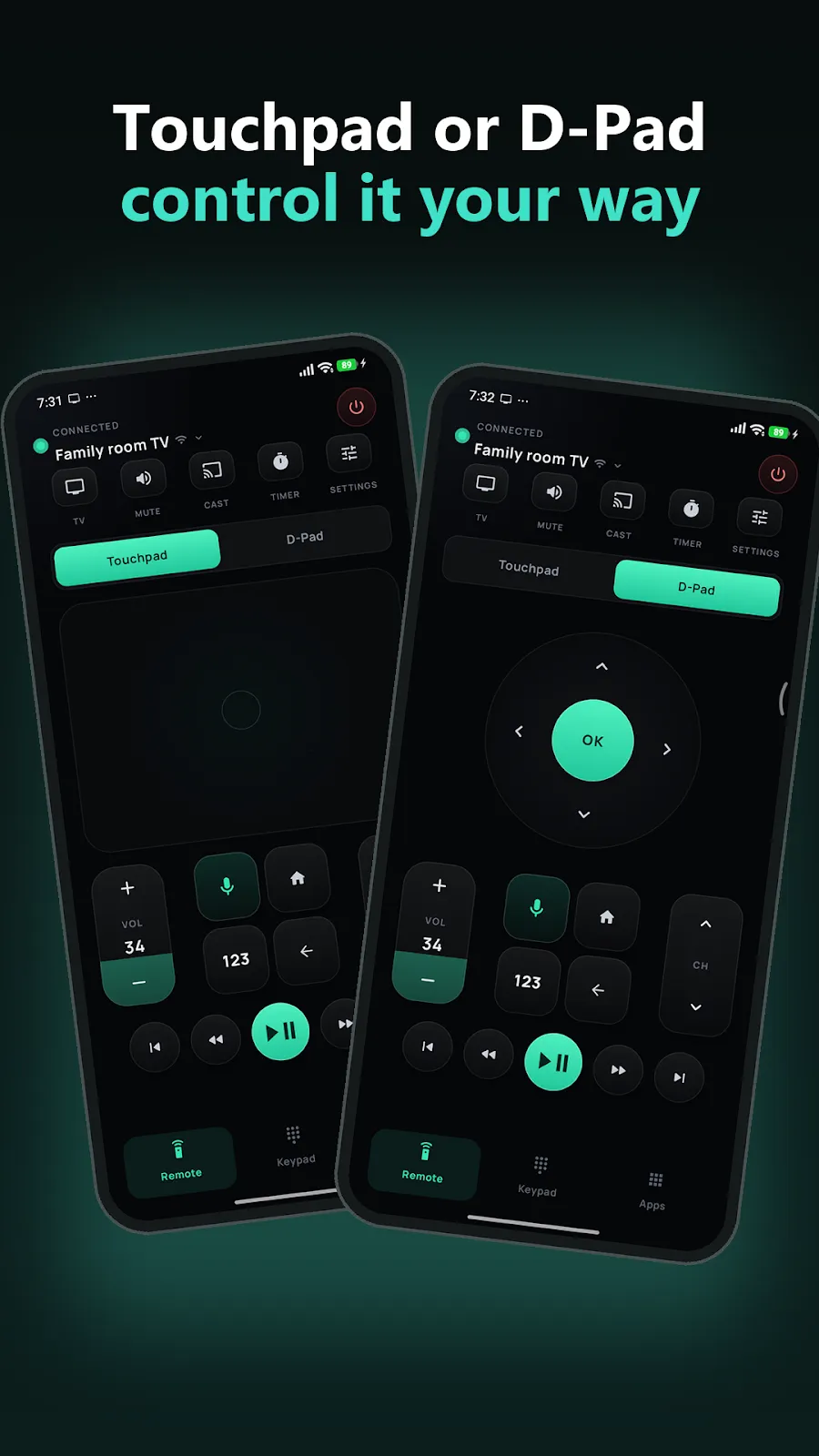
D-pad, touchpad, voice, keyboard and casting for Android TV and Google TV.
Browse the web on your TV with a real mouse pointer, driven by your phone.
Control Windows with a wireless mouse and keyboard, and use your phone as its webcam, mic or second monitor. Plus screen, audio, files and power.
Use your phone as a wireless mouse, keyboard and touchpad for Windows — and as its webcam, microphone and second monitor. Mirror and record the screen, hear PC audio, manage files and shut down on a timer, all over your Wi-Fi.
Type from your phone with Compact, Full, Numpad and Function Keys layouts, with modifier keys and a built-in touchpad.
Use your phone’s camera as the PC’s webcam. It shows up as AX Camera in Zoom, Teams, Meet and OBS, at up to 1080p.
Hear the PC through your phone, or play your phone’s sound on the PC speakers. Record PC sound, your mic or both to a file on the PC.
Turn your phone into an extra monitor for the PC. Drag windows onto it and use the pointer there, like any second screen.
Mirror the PC screen live, take screenshots, record a display, window or region to a video on the PC, and turn displays off and on.
Browse the PC’s drives from your phone, search, rename and delete, and move files and whole folders in both directions.
Install the free AX: Remote Keyboard & Mouse Receiver on your Windows PC. Your phone and PC connect over your own Wi-Fi after you confirm the same 6-digit pairing code on both.
Install Remote Mouse & Keyboard | AX from Google Play on your Android phone or tablet.
Install the free AX: Remote Keyboard & Mouse Receiver and leave it running.
Find your PC or scan its QR code, then confirm the matching code. Reconnect automatically after pairing.
No PC nearby? Try the Demo PC in the app. Support for controlling Mac and other devices is in development.
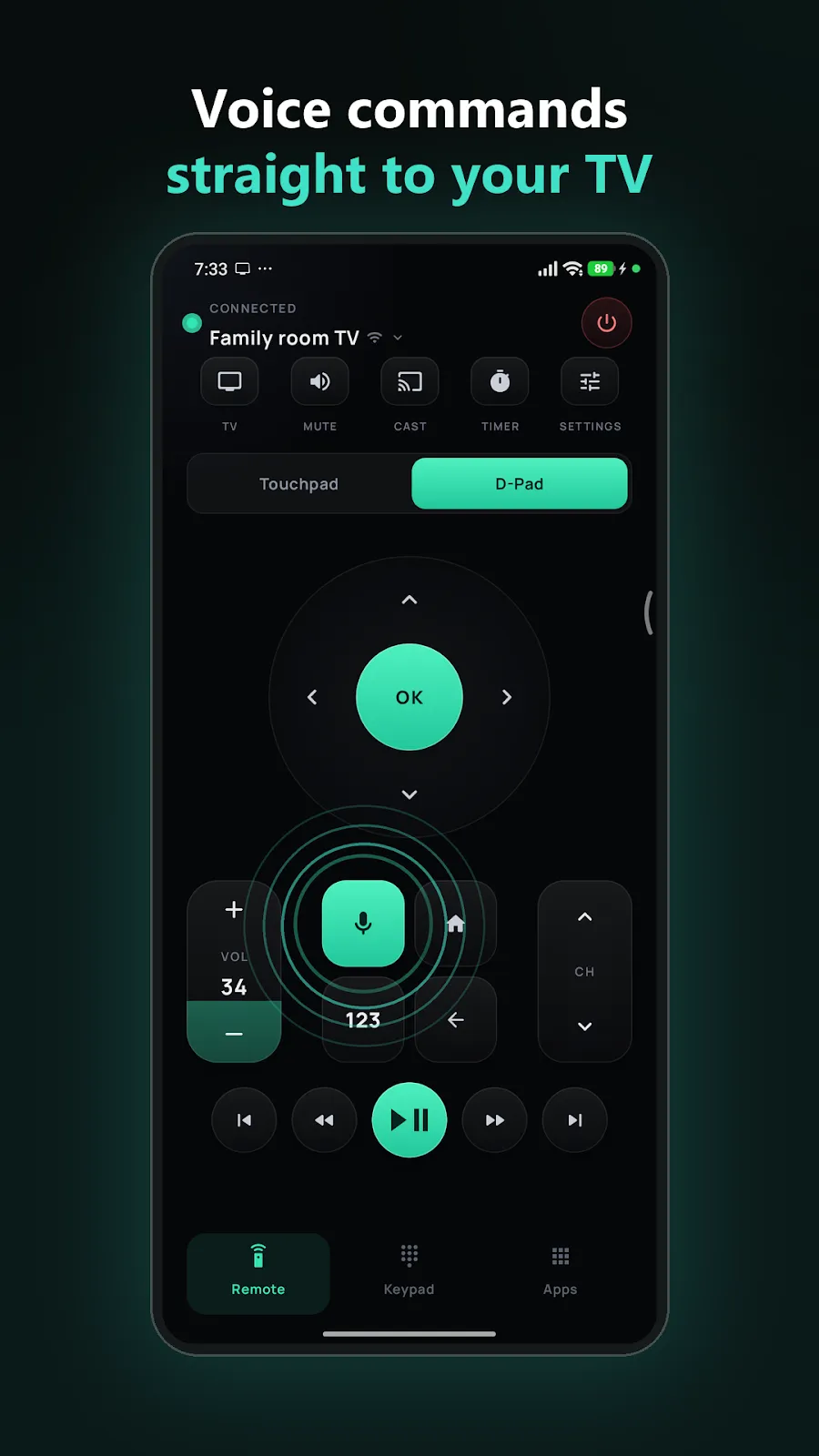
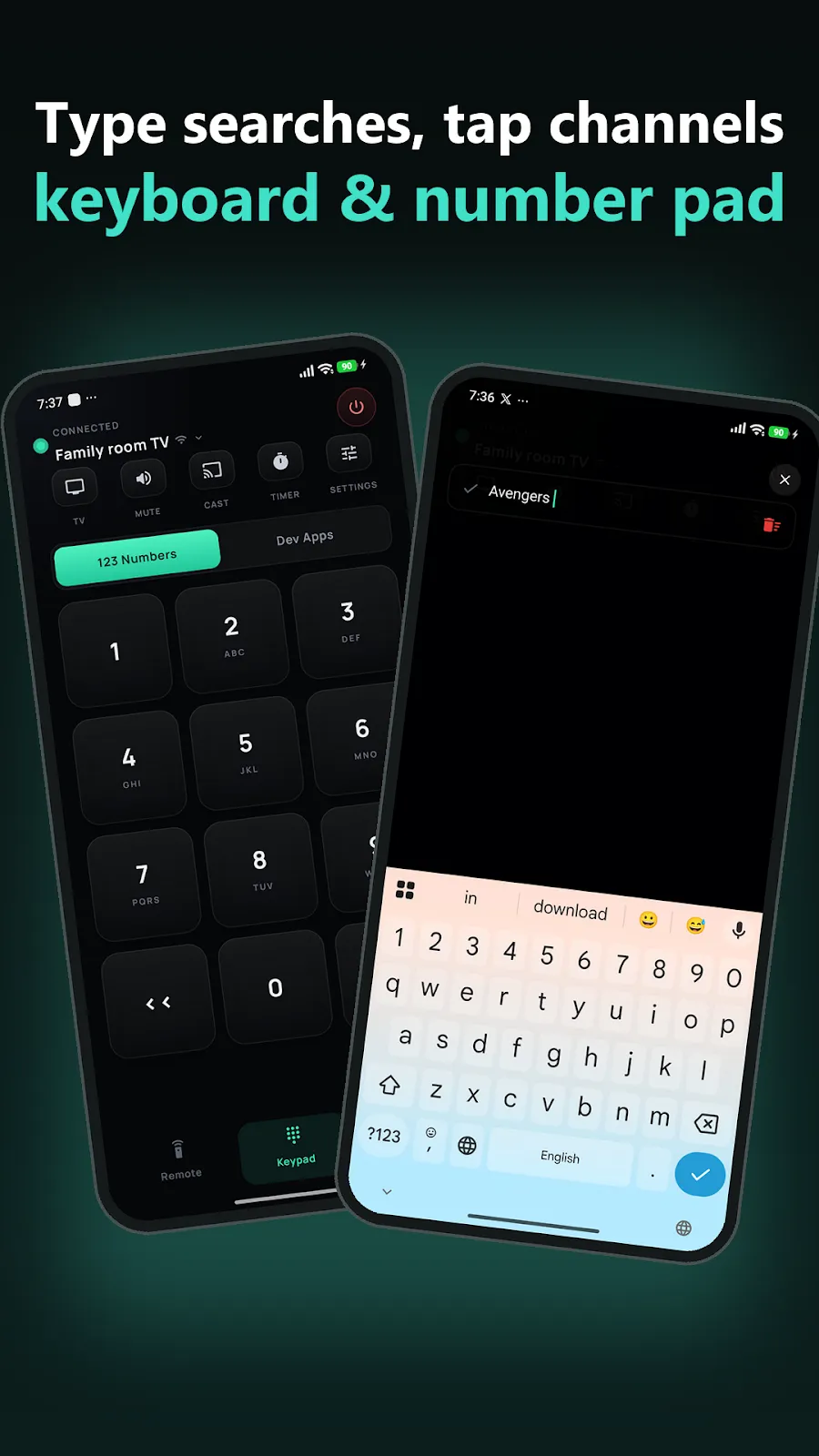
Replace a lost remote with your phone. Connect to Android TV or Google TV over Wi-Fi or Bluetooth, then use voice search and your phone keyboard as if they were built into the remote.
A browser made for the ten-foot view. Use your phone as a trackpad to point, click and scroll on the TV, then type with your phone keyboard. The TV remote can still move the pointer when your phone is not nearby.
Three apps, the same controller in your hand.
“just found this app on reddit and so far I love it. it’s very responsive and customizable. i really like the alarm and set time to turn TV off.”
“Works great for me and has been a reliable replacement for my TV remote. The Wi-Fi connection is quick and stable, controls are responsive with no input delay.”
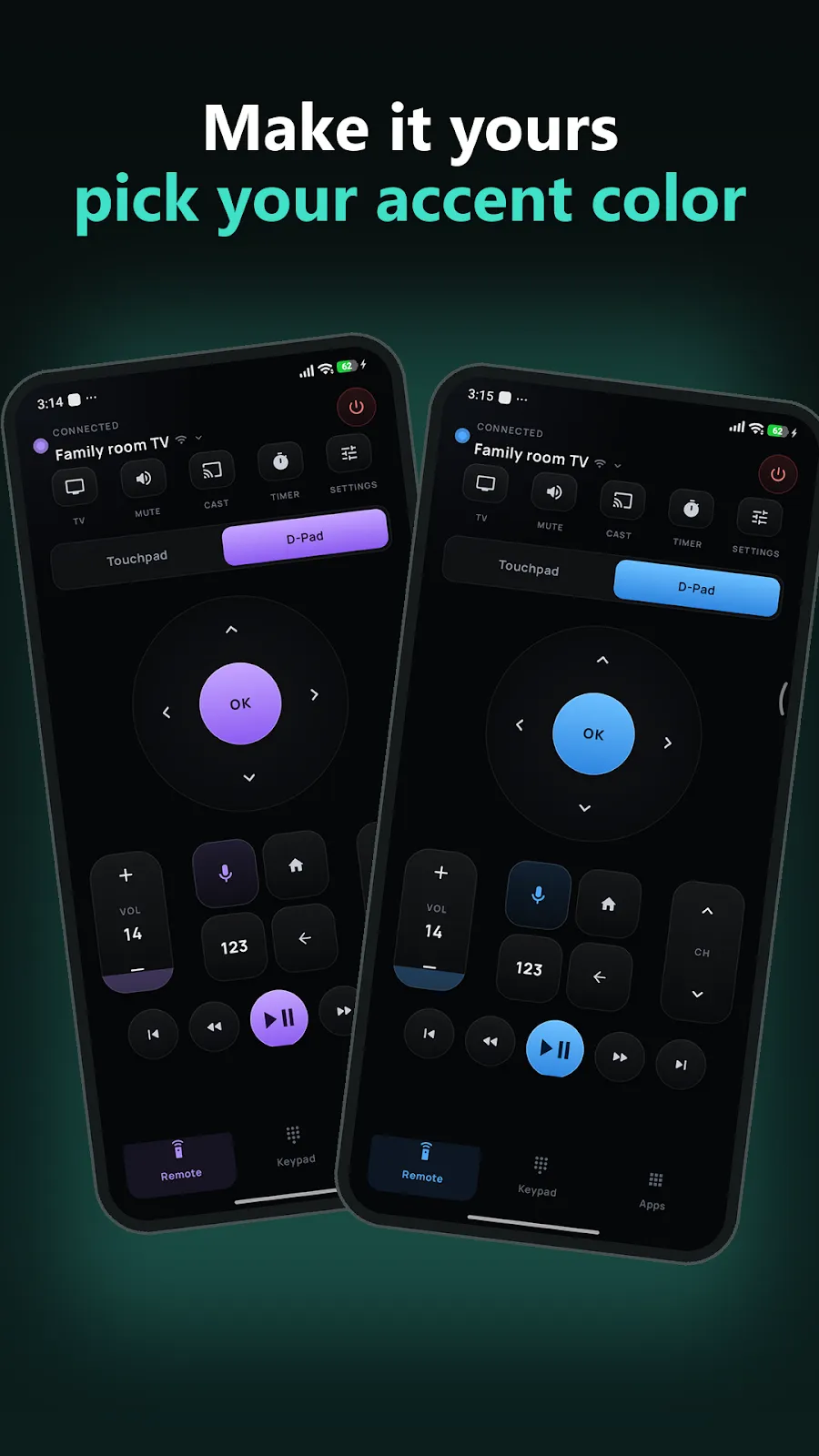
“This is a really cool app. Love the various color choices. I can’t get over how beautifully done the layout is and the graphics for the buttons and the like.”
You need two pieces: the controller app on your phone, and the AX Receiver on the computer you want to control.
The PC receiver is available for Windows. Mac support is in development.
Get the controller app. This is the phone that moves the cursor and types.
Get it on Google PlayThe Mac receiver is in development. For now, AX Remote Mouse & Keyboard works with a Windows PC.
Coming soonEvery AX app works for free. Premium removes ads and unlocks the rest.
Core remote functionality, supported by advertising.
A one-time purchase, per app.
Fully ad-free across every AX app you use.
No. AX Remote Mouse and Keyboard connects to the free receiver running on your Windows PC over your Wi-Fi. Pairing requires a matching 6-digit code on both devices.
Any TV or streaming device running Android TV OS or Google TV — Google TV Streamer, Chromecast with Google TV, NVIDIA Shield TV, Xiaomi Mi Box and Mi TV Stick, and Android TVs from Sony, TCL, Hisense, Philips, Xiaomi, OnePlus, Realme, Nokia, Thomson and more. It does not work with Amazon Fire TV, Samsung Tizen, LG webOS or Roku.
No. Nothing to sign in to. Your phone and the device it controls talk over your own Wi-Fi network.
The AX controller apps are for Android. PC control currently needs the free receiver running on a Windows PC; Mac support is in development.
Email vensilver@gmail.com with your device model and how you are connecting.